Design it.
Build it.
Print it!
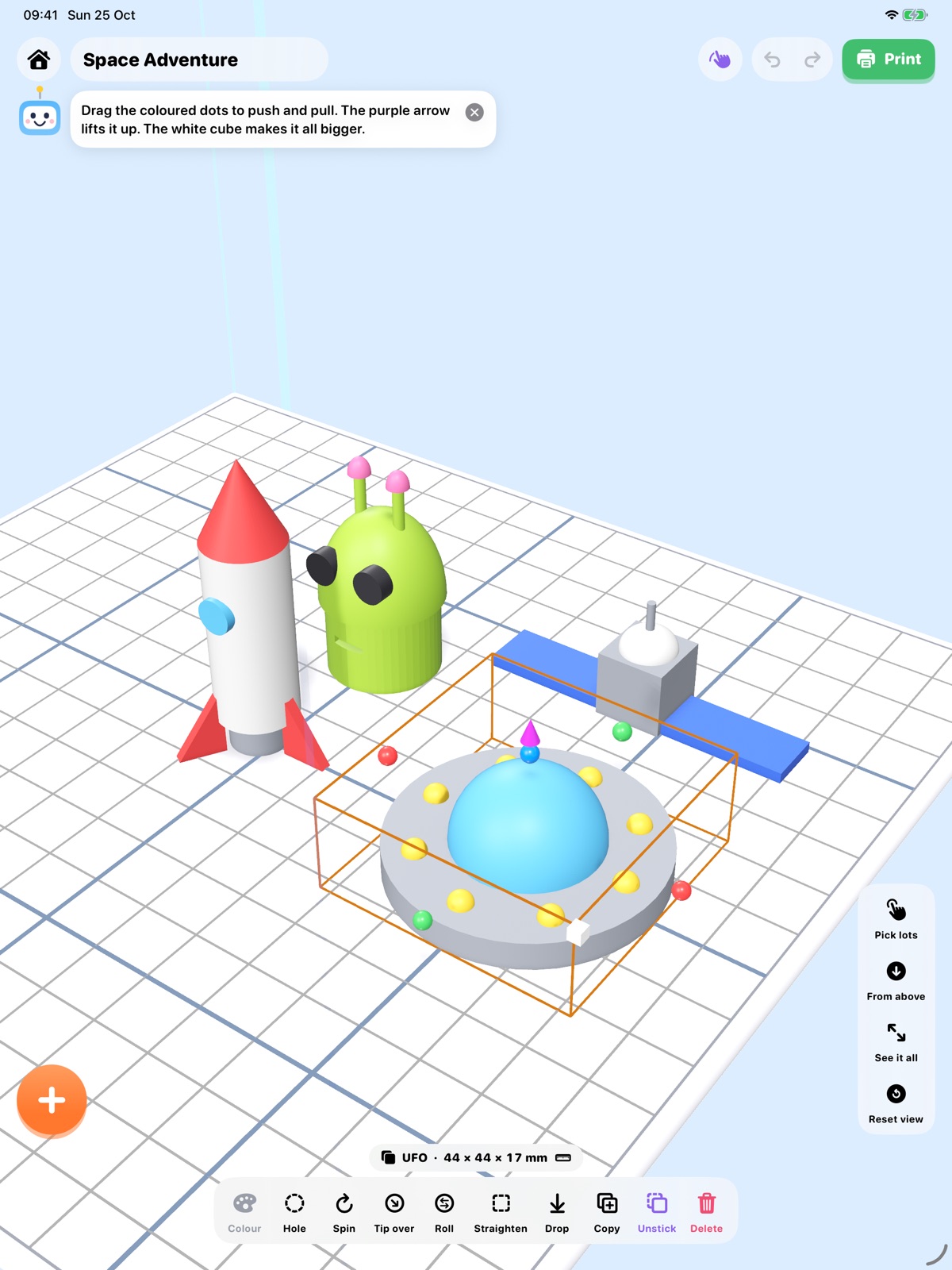
BuildBuddy for iPhone and iPad is a 3D workshop for kids. Stretch shapes, snap in kits, sculpt like clay, then print it on your own 3D printer.
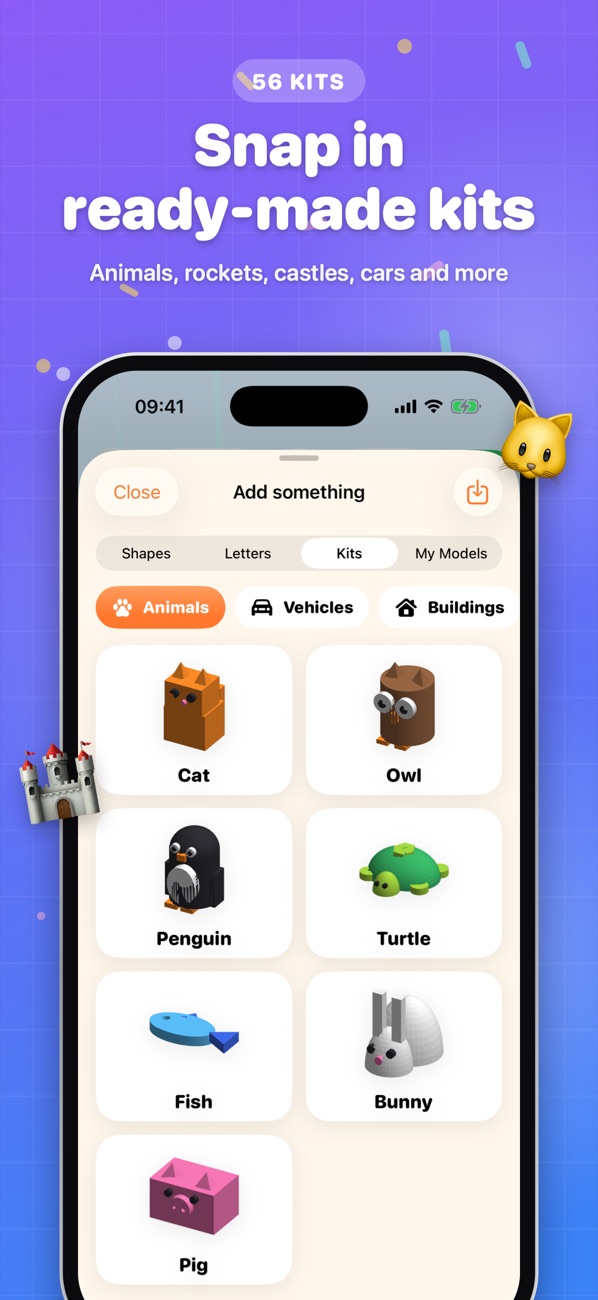
80 ready-made kits
Animals, rockets, castles, cars and more, all designed to print without supports.
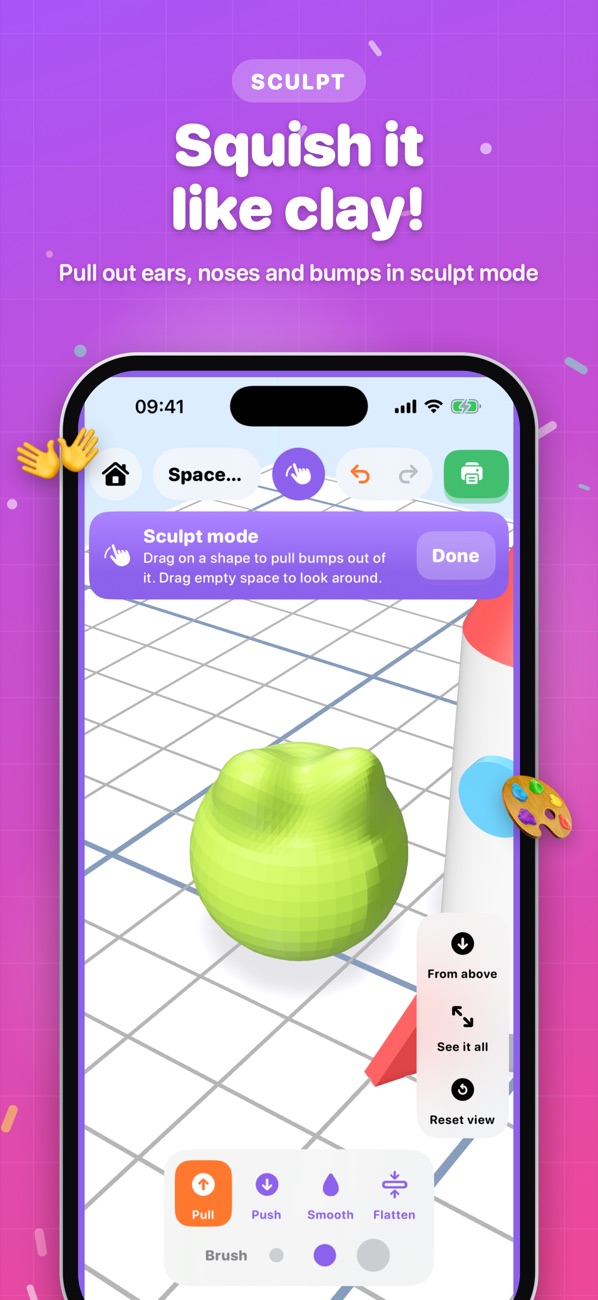
Sculpt like clay
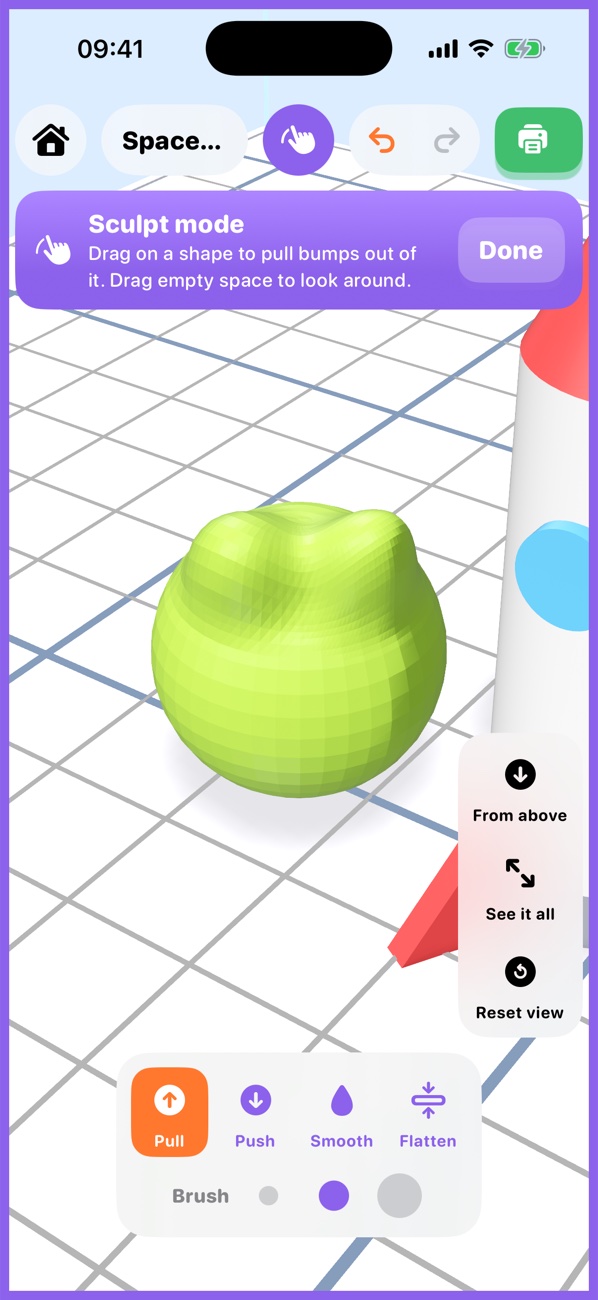
Turn on sculpt mode to pull out ears, noses and bumps with a finger.
Prints over Wi-Fi
The app turns your model into printer instructions itself and sends them straight to your printer.
Safe by design
No accounts, no ads, no tracking. Grown-up settings sit behind a parent check.
A real 3D workshop, made for small hands
Big buttons, friendly tips from Buddy the robot, and nothing confusing in the way.
From idea to object in three steps
Build
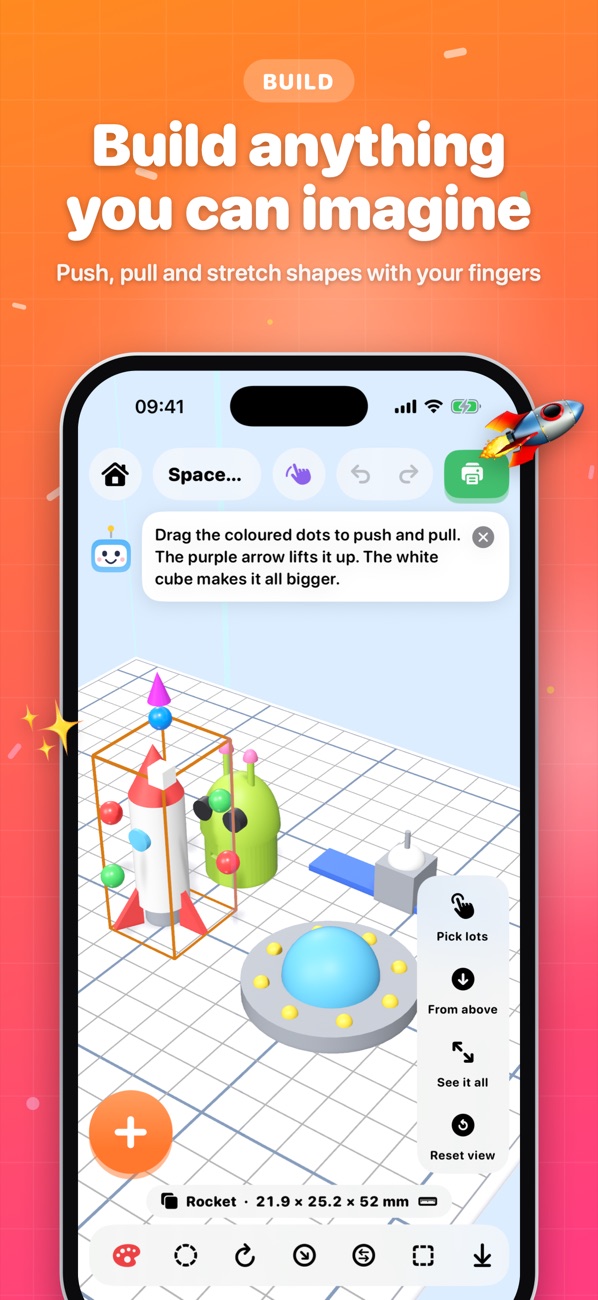
Start with blocks, balls, letters or a kit. Drag the coloured dots to stretch, twist with two fingers, and cut holes to make windows and doors.
Check
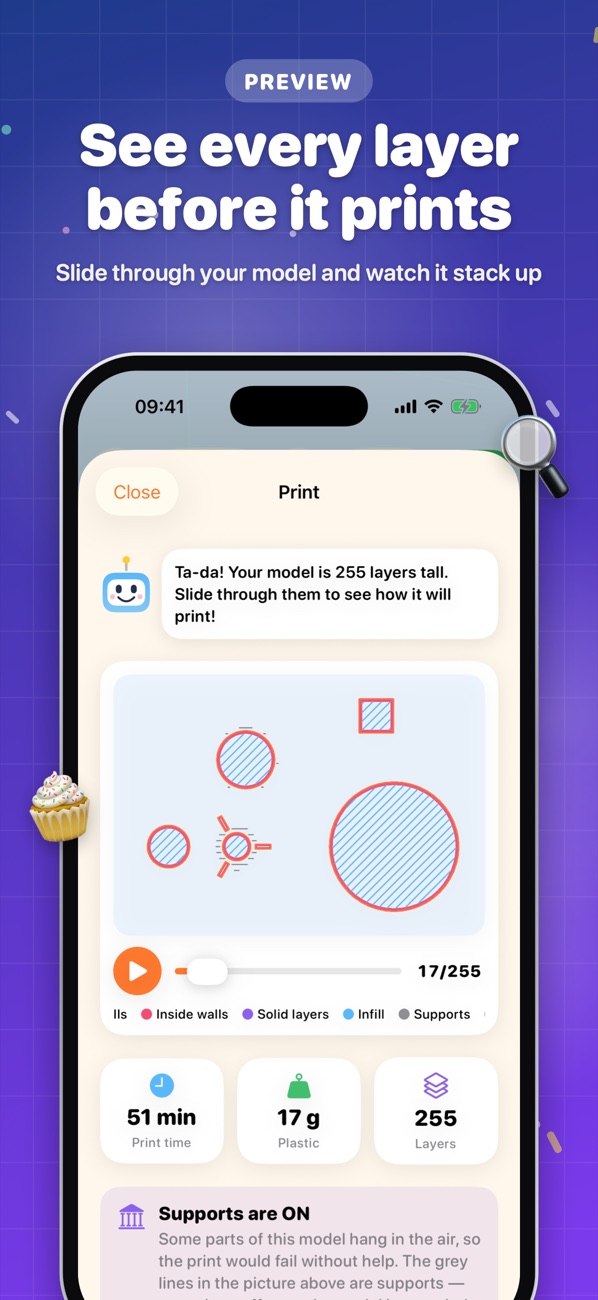
Choose Speedy, Just Right or Super Smooth. BuildBuddy slices your model on the device and shows every layer, how long it will take and how much plastic it uses.
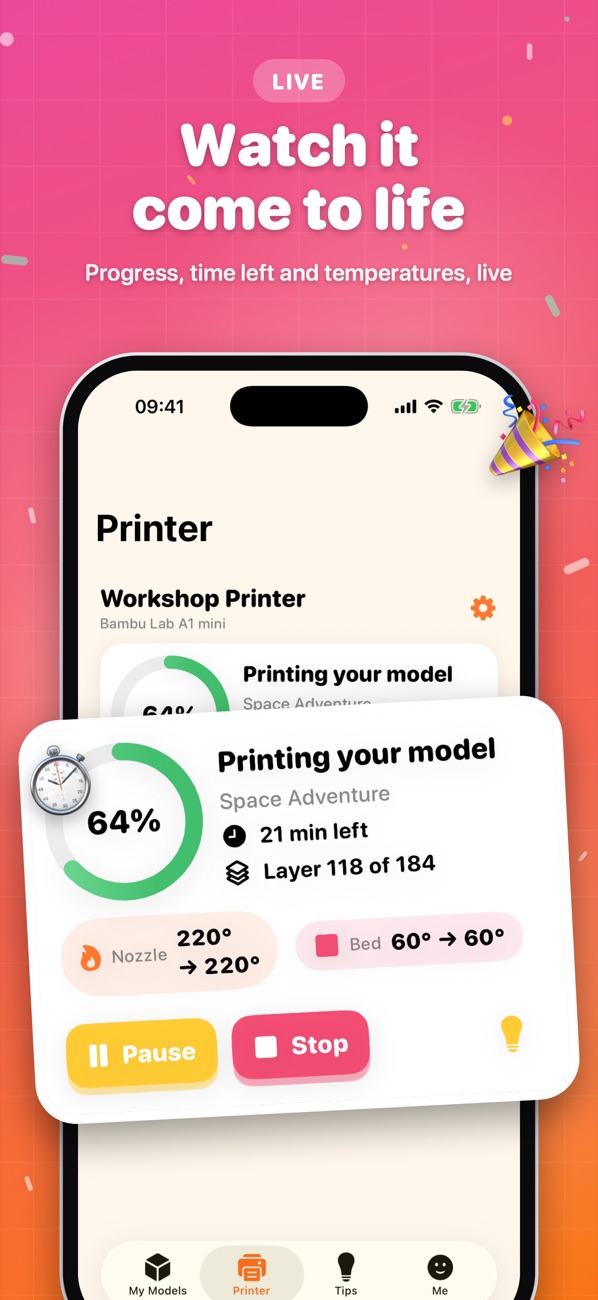
Tap Print and watch progress live. If a model needs supports, BuildBuddy switches them on and explains why, so prints don't fail.
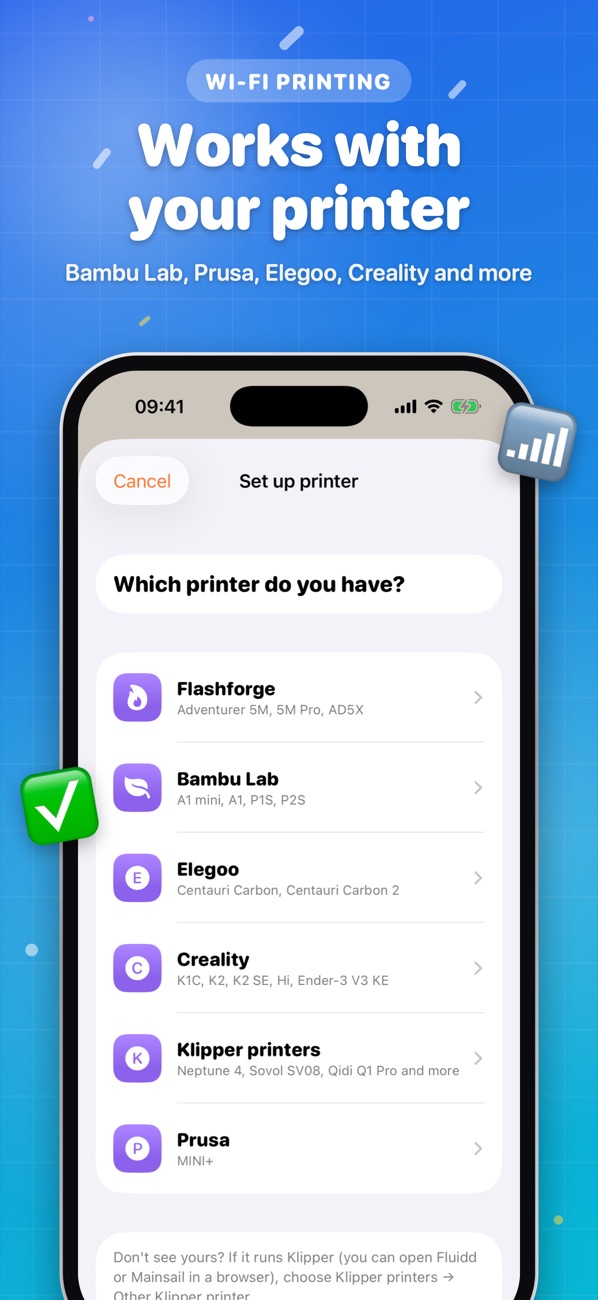
Works with popular Wi-Fi printers
A grown-up sets the printer up once. After that, kids can print with one tap.
Flashforge
Adventurer 5M, 5M Pro, AD5X
Bambu Lab
A1 mini, A1, P1S, P2S
Elegoo
Centauri Carbon, Centauri Carbon 2
Creality
K1C, K2, K2 SE, Hi, Ender-3 V3 KE
Klipper printers
Neptune 4, Sovol SV08, Qidi Q1 Pro and other Moonraker printers
Prusa
MINI+ with PrusaLink
Your iPhone or iPad needs to be on the same Wi-Fi as the printer. Some printers need LAN mode or a developer setting turned on, and the app walks you through it.
Creative screen time you can feel good about
Kids learn real design skills: thinking in 3D, measuring, planning for overhangs and seeing an idea become something they can hold. You stay in charge of the printer.
- No sign-in or accountsEach child picks a name and an emoji. Nothing leaves the device.
- No ads, no tracking, no in-app purchasesNo analytics or third-party code watching what your child does.
- Grown-up gatePrinter setup and advanced settings need a quick maths check.
- Works offlineBuilding and slicing need no internet. Printing only uses your home network.

What will you build first?
BuildBuddy for iPhone and iPad is available on the App Store.
Get BuildBuddy